
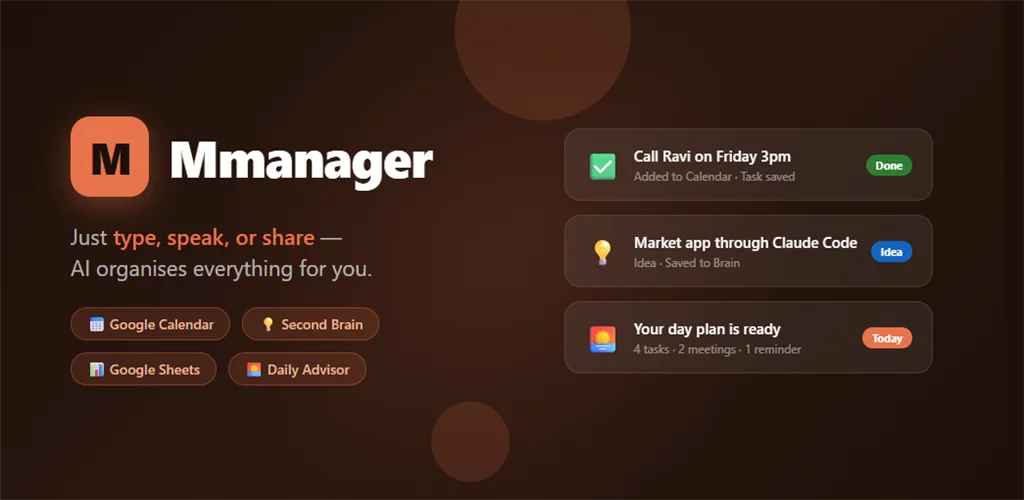
For years I had too many tabs open — and not in my browser. In my head. A link I wanted to save. A birthday I would definitely forget. A task I typed into one app and never saw again. So I did something about it: I built my own app, mManager, and I put it live on the Google Play Store. This is the honest story of how a person who is not a mobile developer shipped a real Android app — and what the app actually does.
The short version: mManager is a chat-first AI personal planner for Android. There is one box. You type it, speak it, or share it from any app — a link, an idea, a task, a birthday, a whole messy sentence — and the app figures out what it is and puts it where it belongs: your Google Calendar, a Google Sheet, Google Drive, or a private “second brain” on your phone. Nothing is ever saved behind your back — you see a card, you check it, you tap Confirm. It is live now and free to use: mManager on Google Play →
The problem I was actually trying to solve
I had tried everything. Google Keep, Notion, Todoist, a spreadsheet I built myself and was very proud of for about a week. None of them stuck, and it took me a while to understand why.
It was never that the apps were bad. It was the friction around them. To save a link I had to switch apps, paste it, give it a title, pick a folder, add a tag. To remember a birthday I had to open a calendar, find the date, set it to repeat every year. Each little step is nothing on its own. Add them up across a day and you simply stop. The thought stays in your head, the head fills up, and things fall out of it.
So I asked myself a different question. Not “which app should I use,” but “how do I already capture things without any friction?” The answer was obvious. I chat. All day. I forward a link to a friend on WhatsApp, I type a quick note to myself. That is zero-friction. So the app should feel like that — like sending a message.
One box, and the AI does the sorting
That became the whole idea of mManager. One input box. You type, you speak, or you share something into it from any other app, and you do not have to tell it what it is. The AI reads it and decides: is this a task, a note, a link, an idea, an event, a birthday? Then it proposes the right home for it.
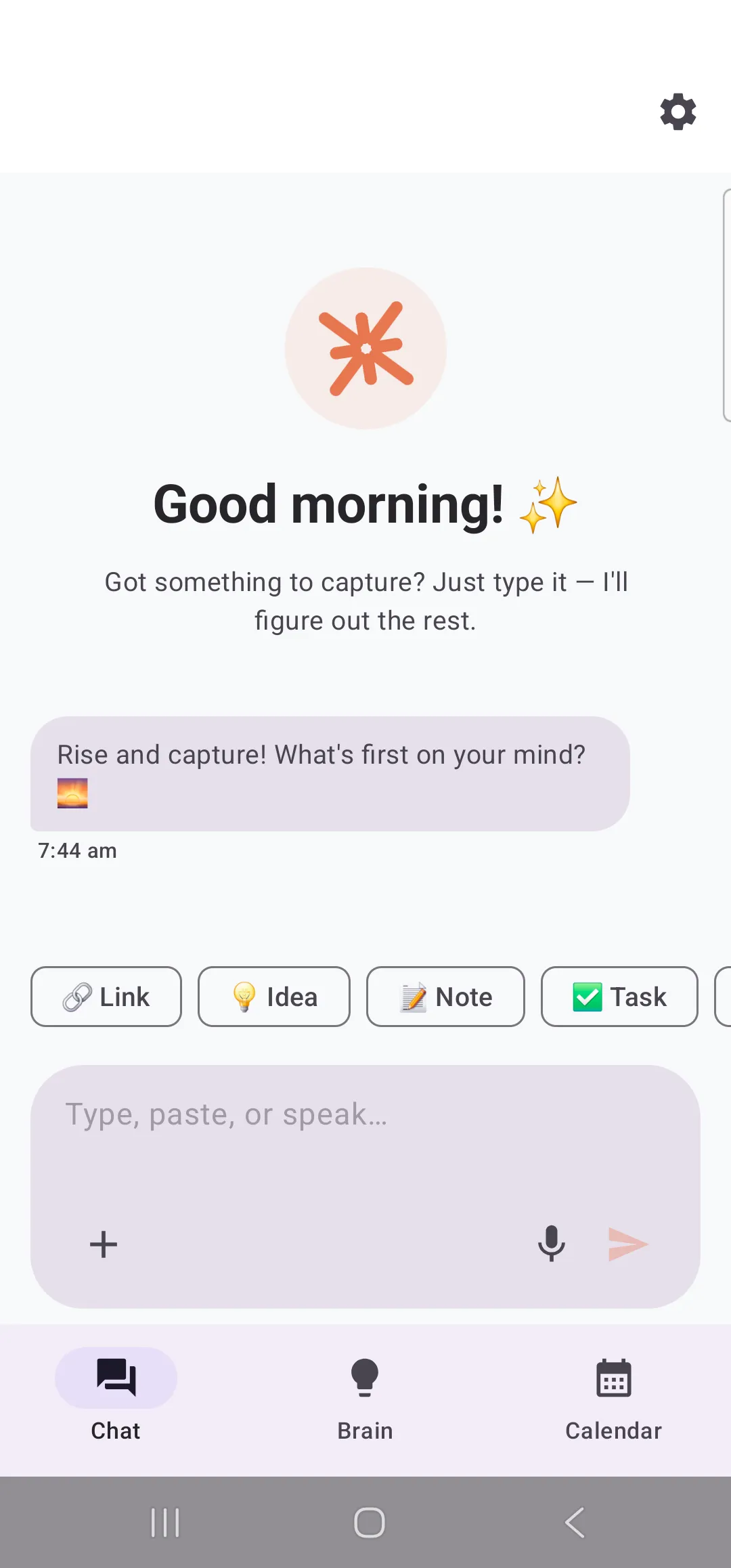
The part I care about most is the next step. The AI never saves anything silently. It shows you a card — here is what I understood, here is the title, here is the date I picked — and you either fix it or tap Confirm & Save. You are always in control. I built it this way on purpose: I did not want an app that quietly reorganises my life and hopes I do not notice.
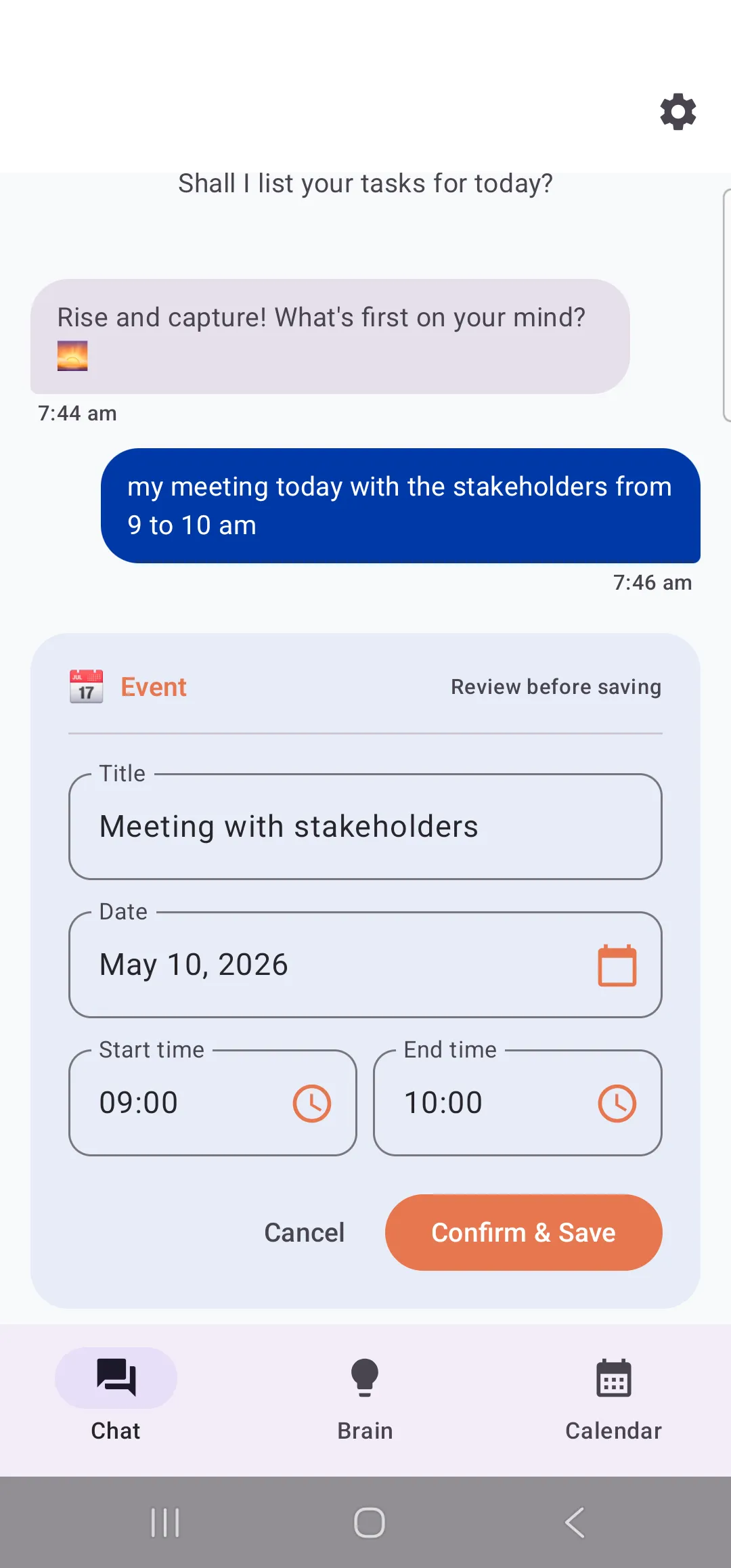
Once you confirm, it goes to the right place for real. An event pushes into your Google Calendar. A birthday becomes a yearly reminder. Everything gets logged into a personal Google Sheet so you have your own ledger you fully own, and files land in your Google Drive. The app has three simple tabs — Chat to capture, Brain to search everything you have ever saved, and Calendar to see your days — plus a Daily Advisor that reads your tasks and events and builds you a time-blocked plan for the day, and a morning brief notification so you do not have to open five apps to know what is ahead.
The part I want to be honest about: how I built it
Here is the thing I most want you to take away. I am not an Android developer. I have spent about twenty years around software, but I had never shipped a mobile app in my life. I built mManager by treating AI as my engineering team and myself as the person who knew exactly what the product had to be.
I started the way I would explain an idea to a smart colleague — I just described it. Not a spec document, not a fancy plan, just talking. The AI asked me the right questions back: what categories should it capture, one Google Sheet or many tabs, how should voice work. And the shape of the app appeared in a single sitting.
Then I did something I would recommend to anyone building with AI. I asked it to stop being agreeable and act like the CTO of a top app, and to tear my idea apart — find everything missing before a single real user ever saw it. Nineteen gaps came back: onboarding, what happens offline, how you export or delete your own data, security. That one move turned a nice idea into something that could actually survive on the Play Store.
We did it properly — user stories, a real requirements document, a clickable prototype, a design review where the rule was “less is more,” an accessibility pass. Only then did the code get written.
And then the launch tried to break me. My first upload was rejected because Google wanted a different file format. The next one was rejected for a missing privacy policy. Then I hit a genuinely nasty wall — a memory “page size” requirement that meant swapping out the very library I used to encrypt the database — and one more rejection because the reviewers hit a sign-in screen they could not get past. The last hundred metres of a launch, it turns out, are not a straight line. But each wall came down, and mManager went live. Being able to open the Play Store and see my own app there is a feeling I will not forget.
Your data stays yours
Because the whole point is trust, I built the privacy in from the start. The app is free — the AI runs through my own setup so you do not need to bring a key or pay a subscription. Your private notes are held in an encrypted database on your own phone. Your calendar, sheet and files live in your own Google account, not on some server of mine. And you can export everything as a file, or delete your account and wipe it all, whenever you want. No lock-in. It is your life; the app is just the assistant.
Who it is for
Honestly, I built it for myself first, then my family, then decided to put it out for everyone. It is for you if you get overwhelmed by having too many apps, if you keep forgetting to log the things you said you would do, if you want one morning brief instead of checking five places — and if, like me, you think faster than you can organise.
If that sounds like you, it is free and it is one tap away: Get mManager on Google Play →
Frequently asked questions
What is mManager?
Is mManager free?
Does mManager save things without asking me?
Where is my data stored?
Who built mManager?
mManager is one of the things I have built with AI. I also made LikhiBoli, a free Hinglish voice-typing tool for Windows, and this very website. If you want a website, an app, or a custom tool built for your own idea, here is how to reach me.